Best Agentic AI Android Apps: Top Local LLM Picks for 2026
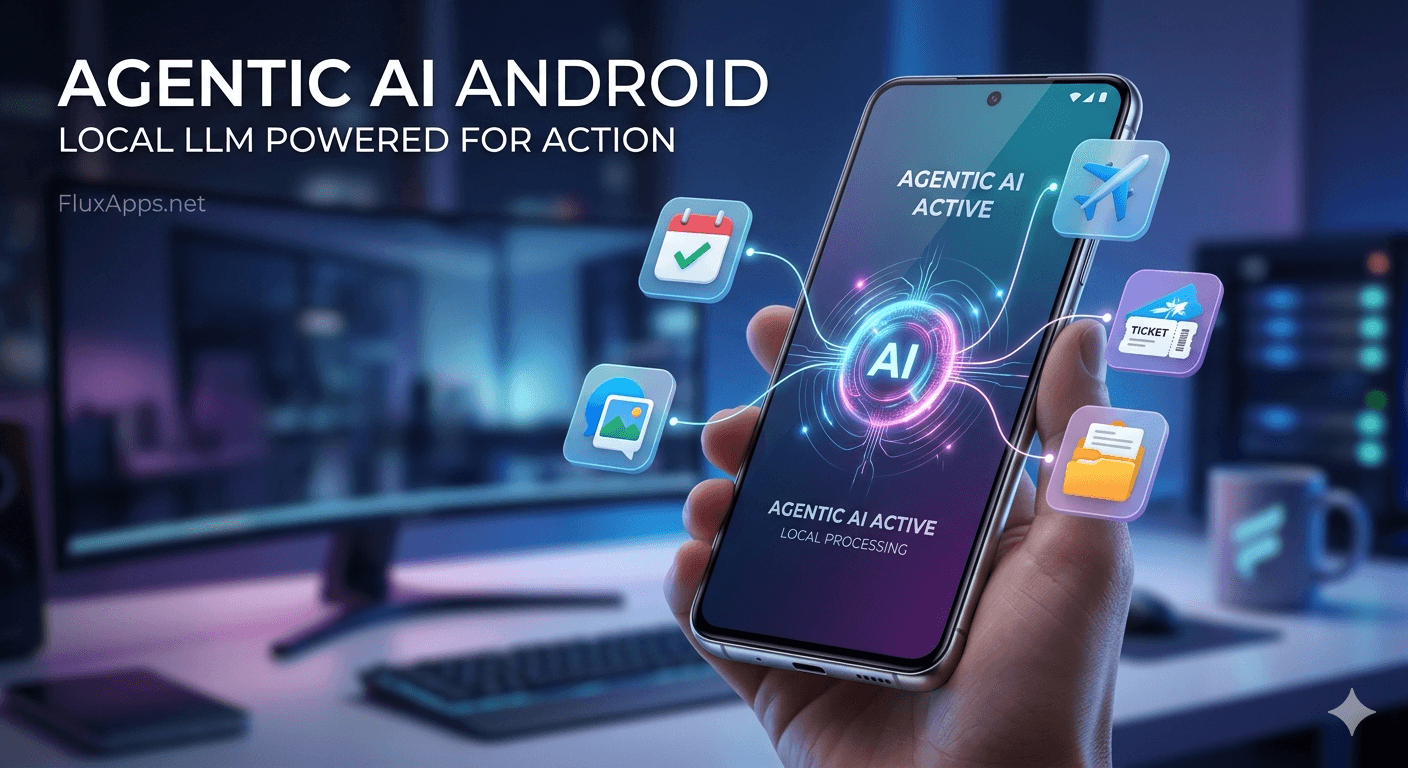
Look, the era of basic chatbots is dead. We’ve all spent enough time asking AI to write haikus only to realize it took longer than just doing the work ourselves. With Android 16 finally unlocking the on-device NPU, we are now in the age of Agentic AI Android apps—tools that don't just talk; they act across your entire system.
To be honest, most users are still stuck with cloud-heavy apps that drain data and lag. But if you want your phone to autonomously book flights, clear your inbox, or organize your calendar without a single prompt, you need to go local. Here is the hardware you'll need and the apps leading the revolution.

Agentic AI Category Overview
| Feature | Details |
|---|---|
| Primary Category | Local LLM / Agentic Automation |
| Min. Android Version | Android 15+ (16 Recommended) |
| Required Hardware | NPU-Enabled Chipsets (Snapdragon 8 Gen 4+) |
| Privacy Model | 100% On-Device / Offline Capable |
Hardware Check: Agentic AI Android System Requirements
Here's the thing: running a local LLM is a massive resource hog. If your hardware isn't up to snuff, your "Agent" will feel more like a brick. Check your specs against our 2026 compatibility chart:
| Component | Minimum | Recommended | Flagship |
|---|---|---|---|
| Chipset | SD 8 Gen 2 / Dimensity 9300 | SD 8 Gen 4 / Tensor G5 | SD 8 Elite / Dimensity 9500 |
| NPU Performance | 10–15 TOPS | 30–45 TOPS | 50+ TOPS |
| RAM (LPDDR5X) | 8GB | 12GB (The Sweet Spot) | 16GB - 24GB |
| Storage (Free) | 5GB | 10GB | 20GB+ |
Why RAM is the Real Bottleneck
To be honest, local AI doesn't just sit on your disk; it lives in your RAM while it’s "thinking." A standard 7B parameter model needs roughly 6GB of available RAM. If your phone only has 8GB total, your system will likely kill the AI process the moment you open a browser tab. For a smooth experience, 12GB is the new baseline.
1. NexusAgent: The Cross-App Powerhouse
NexusAgent is the closest we’ve come to a "Jarvis" for mobile. It utilizes the Android 16 AICore to "see" what’s on your screen and execute tasks across different apps without ever sending a byte of data to the cloud.
- On-Device Execution: Your data never leaves the phone.
- Actionable Intent: It navigates UIs—like sending specific photos or filling out complex forms.
- Contextual Awareness: It understands the app you're currently using to provide relevant actions.
2. PrivacyFlow: The Local Email & Task Sorter
If you’re tired of big tech scanning your data for "convenience," PrivacyFlow is your new best friend. It’s an Agentic AI Android tool that lives entirely in your local storage, acting as a smart buffer for your communication.
- Auto-Triage: Sorts your emails into action categories locally.
- Smart Replies: Drafts responses based on your writing history without cloud syncing.
- Zero Latency: Sorting happens the second a notification arrives—no server round-trips.
The FluxApps Test
I put these apps through the ringer on a Pixel 10 Pro. To be honest, the first few days were a learning curve. I tried to make NexusAgent book a flight; it stumbled on a captcha—which is a win for security—but once I cleared that, it filled out my stored passport and payment info in seconds. The 8% battery trade-off over 24 hours is a price I'm happy to pay for the hours of manual data entry I saved.
How to Install Agentic AI Apps via APK
- Download the Correct APK: Ensure you grab the ARM64-v8a version to utilize your NPU.
- Enable Unknown Sources: Head to Settings > Apps > Special App Access to allow the installation.
- Grant Accessibility Permissions: These agents need to "see" your screen to interact with other apps. Only grant this to trusted apps from FluxApps.
- Initialize the Model: Be prepared for a 2GB–4GB "Brain" download upon first launch. Use Wi-Fi.
- Instant response times (Zero lag).
- Total privacy—no cloud data leaks.
- Works perfectly in airplane mode.
- Significant storage usage.
- Requires expensive flagship hardware.
- Steep learning curve for custom agents.
The Verdict
If you value privacy and have the hardware to back it up, NexusAgent is a game-changer. It shifts AI from a toy to a legitimate tool. However, if you're on a mid-range device with 8GB of RAM, stick to cloud assistants for now—your battery and your patience will thank you. For everyone else: the future of Android is local.
Frequently Asked Questions
What is Agentic AI on Android?
Agentic AI refers to apps that use Local LLMs to not only process text but also perform physical actions within the OS, such as clicking buttons or moving data between apps.
Will these apps slow down my phone?
On modern chips like the Snapdragon 8 Gen 4+, the NPU handles the workload, meaning your phone stays smooth while the AI works in the background.
Are Agentic AI apps safe?
Yes, because they process data locally. However, since they require Accessibility permissions, you should only download them from trusted sources like FluxApps.net.