Introduction
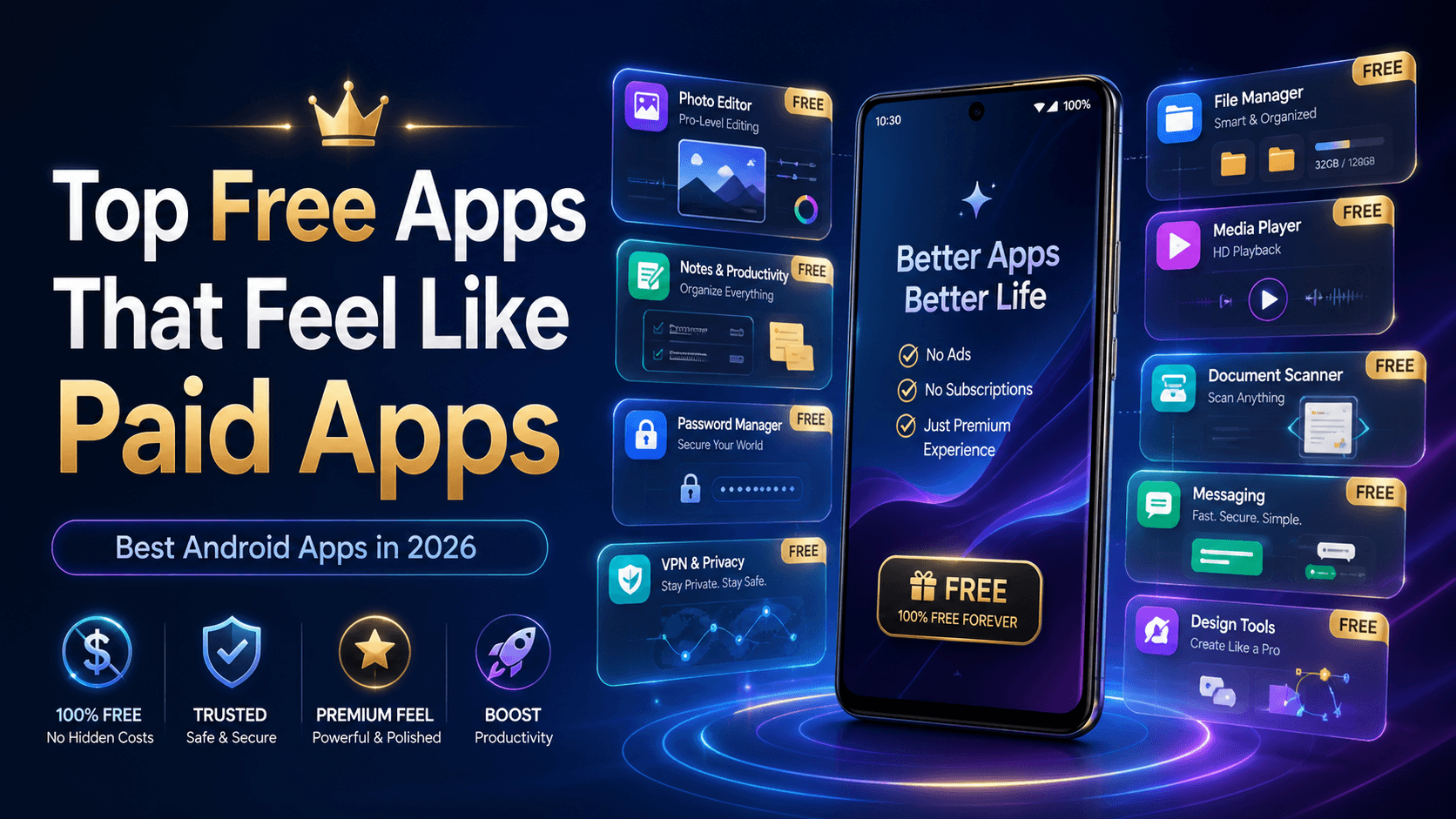
Finding the top free apps that feel like paid apps is not easy anymore. Many Android apps look free at first, but the best features are locked behind subscriptions, ads, or daily limits.
Still, some apps give you a premium experience without forcing you to pay. These apps are clean, useful, powerful, and perfect for students, creators, office users, and everyday Android users in India.
In this list, we are covering the top free apps that feel like paid apps because they offer strong features, smooth design, privacy-friendly tools, or professional-level performance for free.
Let’s explore the best free Android apps worth installing in 2026.
1. Snapseed – Free Photo Editing That Feels Professional
Snapseed is one of the best examples of a free app that feels premium. It is a powerful photo editor from Google and includes tools like curves, selective editing, healing, filters, and RAW photo support.
Unlike many editing apps, Snapseed does not push heavy ads or force you into a monthly plan. Many photo editing guides still recommend it as one of the best free options for serious mobile editing. (Lovable)
Why It Feels Paid
Professional editing tools
No watermark
Clean interface
Great for Instagram, YouTube thumbnails, and product photos
Works well even on mid-range Android phones
Best For
Content creators, small business owners, students, and anyone who wants premium-style photo editing without paying.
2. Canva – Design App for Posters, Logos, and Social Media
Canva is not fully free, but its free plan is powerful enough for most users. You can create posters, Instagram posts, YouTube thumbnails, resumes, invitations, presentations, and basic brand designs.
For Indian users running small pages, local businesses, tuition classes, shops, or personal brands, Canva feels like a mini design studio inside your phone.
Why It Feels Paid
Thousands of free templates
Easy drag-and-drop editing
Social media-ready formats
Great for beginners
Useful for business and personal work
Best For
Students, creators, freelancers, shop owners, and social media page admins.
3. Bitwarden – Free Password Manager With Premium-Level Security
Bitwarden is one of the best free password managers available today. It helps you store passwords, generate strong passwords, and sync them across devices.
Many premium password managers limit free users, but Bitwarden’s free version is useful enough for everyday users. XDA has also highlighted Bitwarden among open-source apps that are good enough to justify premium support. (XDA Developers)
Why It Feels Paid
Unlimited password storage
Cross-device sync
Strong encryption
Open-source trust
Cleaner than saving passwords in notes
Best For
Anyone who forgets passwords, uses many apps, or wants better online safety.
4. Proton VPN Free – Free VPN With a Serious Privacy Focus
Most free VPN apps are either slow, filled with ads, or risky. Proton VPN Free is different because it gives users unlimited data on the free plan, although server choices are limited.
TechRadar ranks Proton VPN Free among strong free Android VPN options because of its privacy-focused design and unlimited data model. (TechRadar)
Why It Feels Paid
Unlimited data
Privacy-focused brand
No shady interface
Good for basic secure browsing
Useful on public Wi-Fi
Best For
Users who want safer browsing on public Wi-Fi, college networks, hotels, cafes, or travel connections.
5. Fossify File Manager – Clean File Manager Without Bloat
Fossify File Manager is a lightweight, open-source file manager that feels much cleaner than many default file apps. It helps you browse folders, move files, manage storage, and organize documents without unnecessary ads.
Android Police has listed Fossify File Manager among useful free open-source alternatives to subscription-based apps. (Android Police)
Why It Feels Paid
Simple and fast
No useless clutter
Open-source
Good for storage management
Works well on older phones
Best For
Users who download many files, APKs, documents, PDFs, photos, and videos.
6. VLC Media Player – Free Video Player That Plays Almost Anything
VLC is one of those apps that feels too good to be free. It supports almost every major video and audio format. You can play movies, lectures, downloaded clips, local music, subtitles, and more.
It is especially useful for students and users who save offline videos on their phones.
Why It Feels Paid
Supports many formats
Subtitle support
No confusing setup
Works offline
Great for local media playback
Best For
Movie watchers, students, offline learners, and users with downloaded videos.
7. Google Keep – Simple Notes App That Works Like Magic
Google Keep is not flashy, but it is extremely useful. You can create notes, checklists, voice notes, reminders, and color-coded ideas in seconds.
For many users, it replaces paid note-taking apps because it syncs with your Google account and works across Android, web, and other devices.
Why It Feels Paid
Fast note-taking
Voice notes
Checklist support
Reminder feature
Syncs with Google account
Best For
Students, office workers, grocery lists, quick ideas, and daily planning.
8. Notion – Powerful Workspace for Free Users
Notion is one of the best free productivity apps for users who want notes, tasks, planning, databases, habit tracking, and project management in one place.
Its free plan is enough for many personal users. A recent Android productivity roundup also lists Notion among apps with useful free functionality. (wisprflow.ai)
Why It Feels Paid
Custom workspaces
Notes + tasks + tables
Templates
Good for study planning
Works across devices
Best For
Students, writers, freelancers, creators, and people who like organizing everything.
9. CapCut – Free Video Editor With Premium-Style Tools
CapCut is popular because it makes video editing easy for everyone. It offers templates, transitions, text effects, captions, filters, speed controls, and export options that feel very advanced for a free app.
Some features may require login or premium access depending on your region, but the free tools are still useful for reels, shorts, and basic video editing.
Why It Feels Paid
Easy timeline editing
Social media templates
Auto captions
Good effects and transitions
Beginner-friendly design
Best For
Instagram Reels creators, YouTubers, vloggers, students, and short-video editors.
10. Adobe Scan – Turn Your Phone Into a Scanner
Adobe Scan is a very useful app for scanning documents, ID cards, receipts, notes, assignments, and forms. It automatically detects edges, improves clarity, and saves scans as PDFs.
For students and office users in India, this app can easily replace a physical scanner for daily work.
Why It Feels Paid
Clean PDF scanning
Auto edge detection
Good document clarity
Easy sharing
Useful for forms and assignments
Best For
Students, job seekers, office workers, shop owners, and anyone handling documents.
11. Shazam – Identify Songs Instantly
Shazam is a small app but feels magical. Open it, tap once, and it identifies the song playing around you.
It is useful when you hear music in reels, cafes, malls, YouTube videos, or public places and want to know the song name instantly.
Why It Feels Paid
Fast song detection
Simple interface
Saves song history
Works with popular music platforms
No learning curve
Best For
Music lovers, reel creators, and anyone who keeps asking, “Which song is this?”
12. Google Lens – Search the Real World With Your Camera
Google Lens turns your camera into a smart search tool. You can scan text, translate signs, identify plants, search products, copy handwritten notes, and understand objects around you.
For Indian users, it is very helpful for translating English, Hindi, regional language text, menus, signs, and product labels.
Why It Feels Paid
Camera-based search
Text copying from images
Live translation
Product search
Homework and study support
Best For
Students, travelers, shoppers, and users who want quick visual search.
13. Microsoft Lens – Best for Office and Study Scans
Microsoft Lens is another excellent document scanner. It is especially good for whiteboards, printed notes, handwritten pages, and study material.
It works well with Microsoft apps, making it useful for students and professionals who use OneDrive, Word, or PowerPoint.
Why It Feels Paid
Whiteboard scanning
Document cleanup
PDF export
Office-friendly workflow
Simple and reliable
Best For
College students, teachers, office workers, and online class users.
14. Signal – Private Messaging Without Ads
Signal is a free messaging app focused on privacy. It offers encrypted chats, voice calls, video calls, disappearing messages, and a clean interface.
Many privacy-focused app lists recommend Signal because it avoids the noisy, ad-heavy experience found in some communication apps. (Techno360)
Why It Feels Paid
Strong privacy
No ads
Clean chat experience
Encrypted calls and messages
Lightweight design
Best For
Users who want private messaging without distractions.
15. YouTube – Now More Free Features Than Before
YouTube is already installed on most Android phones, but it recently became more useful for free users because picture-in-picture mode is rolling out globally for non-music long-form videos. This was earlier treated as a premium-style feature in many regions. (Tom's Guide)
Why It Feels Paid
Picture-in-picture support for eligible videos
Huge free content library
Learning, entertainment, reviews, music, news
Great for multitasking
Works well on Android
Best For
Students, learners, entertainment users, and multitaskers.
Quick Comparison Table
App | Category | Why It Feels Premium |
|---|---|---|
Snapseed | Photo Editing | Pro tools, no watermark |
Canva | Design | Templates and easy editing |
Bitwarden | Security | Free password sync |
Proton VPN | Privacy | Unlimited free VPN data |
Fossify File Manager | Utility | Clean open-source file control |
VLC | Media | Plays almost any format |
Google Keep | Notes | Fast sync and reminders |
Notion | Productivity | All-in-one workspace |
CapCut | Video Editing | Reels and shorts editing tools |
Adobe Scan | Scanner | Clean PDF scanning |
Shazam | Music | Instant song detection |
Google Lens | Visual Search | Camera-based smart search |
Microsoft Lens | Documents | Study and office scans |
Signal | Messaging | Private, ad-free chats |
YouTube | Entertainment | Free PiP for eligible videos |
How to Choose the Right Free App
Before installing every app from this list, think about your daily use.
Choose Snapseed or Canva if you create content.
Choose Bitwarden, Signal, or Proton VPN if privacy matters to you.
Choose Notion, Google Keep, Adobe Scan, or Microsoft Lens if you study or work.
Choose VLC, Shazam, YouTube, or Google Lens for daily entertainment and smart utility.
The best app is not the one with the most features. It is the one you actually use every day.
Pros and Cons of Free Apps That Feel Paid
Pros
Save money
Great for students and beginners
Many offer premium-level tools
Useful on budget Android phones
Easy to test before upgrading
Cons
Some apps have limited free features
Free VPNs may have server limits
Some apps may show ads
Premium templates or cloud storage may cost extra
Features can change with updates
FAQs
1. What are the top free apps that feel like paid apps?
Some of the top free apps that feel like paid apps include Snapseed, Canva, Bitwarden, VLC, Google Keep, Notion, Adobe Scan, Signal, and Google Lens.
2. Are these apps completely free?
Some apps are fully free, while others follow a freemium model. This means the basic features are free, but advanced tools may require payment.
3. Which free app is best for photo editing?
Snapseed is one of the best free photo editing apps because it offers professional tools without watermarks or heavy restrictions.
4. Which free app is best for privacy?
Bitwarden, Signal, and Proton VPN Free are strong choices for users who care about privacy and online safety.
5. Are free apps safe to install?
Free apps are generally safer when downloaded from trusted sources like Google Play or verified app platforms. Always check permissions, reviews, and developer details before installing.
Final Verdict
These top free apps that feel like paid apps prove that you do not always need a subscription to get a premium Android experience.
Whether you want to edit photos, scan documents, manage passwords, create designs, watch videos, organize notes, or protect your privacy, these apps give real value without making your phone feel cheap or limited.
Try the apps that match your daily needs, explore their free features, and keep only the ones that genuinely improve your Android experience.